
How to Perform a Web Accessibility Audit: A Practical Guide
Accessibility is not a feature; it is a right. Learn how to audit your site for WCAG compliance and improve the experience for all users.
Rohit Sharma
Engineering Strategy
Perspective
Practical engineering guidance
Depth
1 focused sections
Use it for
web accessibility audit · WCAG 2.2
Why Accessibility (a11y) is a Business Requirement
Accessible interfaces let more people complete important tasks across different abilities, devices, and situations. Legal obligations vary by jurisdiction, but semantic structure, keyboard access, sufficient contrast, clear labels, and assistive-technology testing are sound product-quality practices everywhere.
Step 1: Automated Audits
Start with tools such as Lighthouse or axe DevTools. Automated checks can find some common failures, but they cannot establish conformance or replace keyboard and assistive-technology testing. They are useful for issues such as:
- Low Contrast: Text that is too light against its background.
- Missing Alt Text: Images that screen readers cannot interpret.
- Poor Heading Structure: Using headers (
h1,h2) for styling rather than hierarchy.
Step 2: Keyboard Testing
Put your mouse away. Can you navigate your entire site using only the Tab and Enter keys?
- Focus States: Is there a clear "Outline" showing which element is currently selected?
- Skip Links: Can a user jump straight to the content without tabbing through 50 menu items?
Step 3: Screen Reader Testing
Turn on VoiceOver (Mac) or NVDA (Windows). Does the site make sense when heard out loud? This is where you'll find issues with silent buttons (that only have icons) and complex interactive components that lack proper ARIA labels.
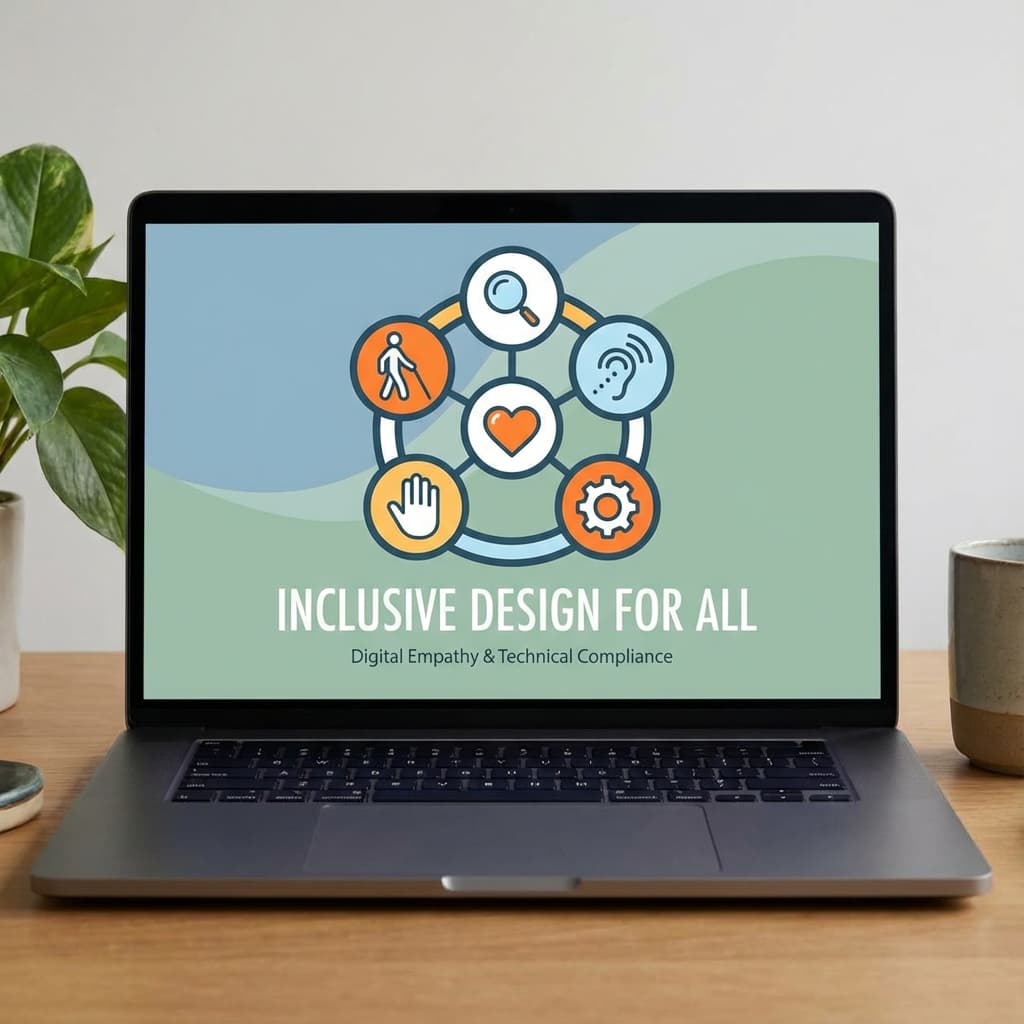
The "Inclusive Design" Mindset
Accessibility benefits everyone.
- A parent holding a baby (one-handed usage) benefits from large hit areas.
- Someone outside in bright sunlight benefits from high contrast.
- A user on a slow commute benefits from semantic HTML that loads before the CSS.
Your Audit Checklist
- [ ] Every image has a descriptive
alttag. - [ ] Contrast ratio is at least 4.5:1 for normal text.
- [ ] All forms have labels (not just placeholders).
- [ ] Interactive elements are at least 44x44 pixels.
- [ ] Audio and Video have captions or transcripts.
Conclusion
Accessibility is a journey of continuous improvement. By making your site easier to use for people with disabilities, you are making it easier to use for everyone.