Selected work
A connected school platform with a native mobile experience for students, parents, teachers, and school leadership.
Project Netcurion Campus
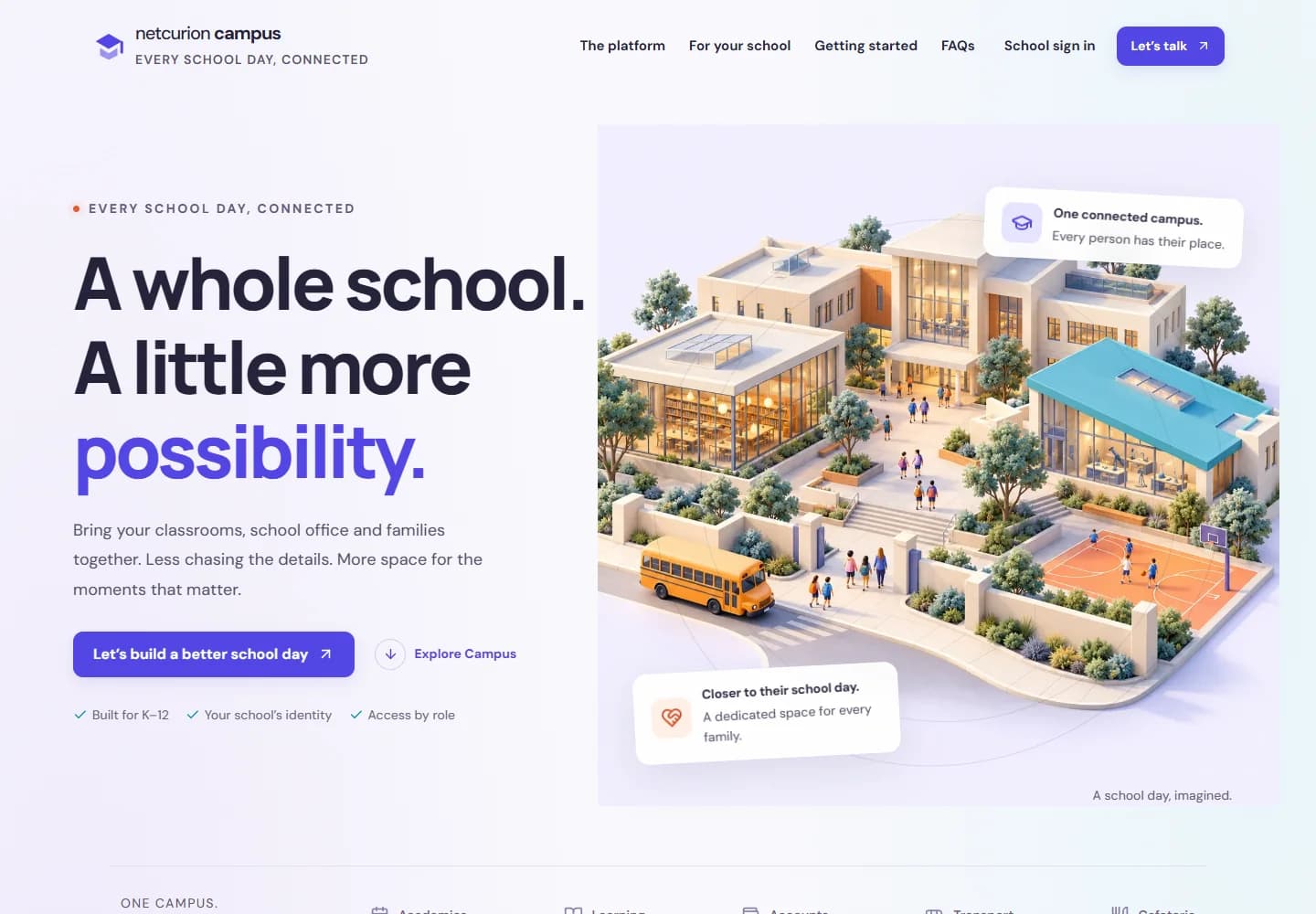
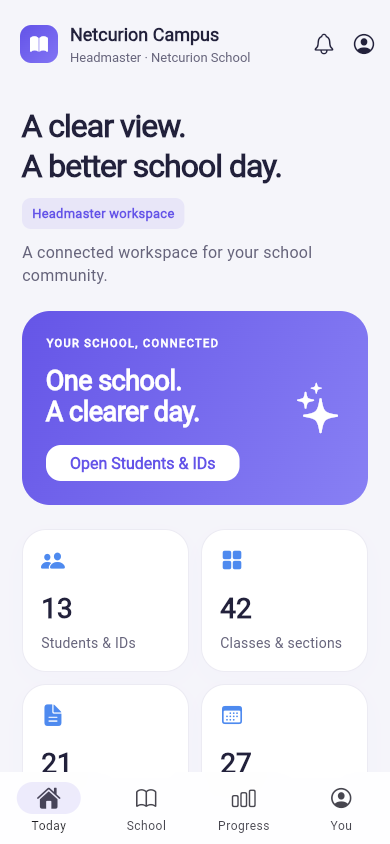
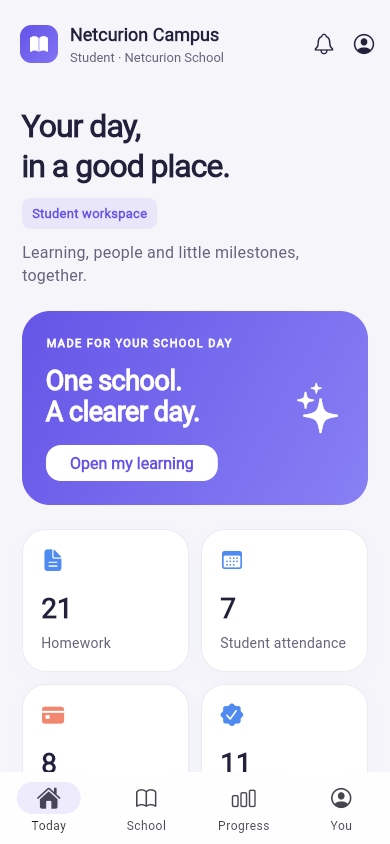
Visit the project website (opens in a new tab)The public Campus website. Mobile screenshots below show role-specific app views using sample school information.
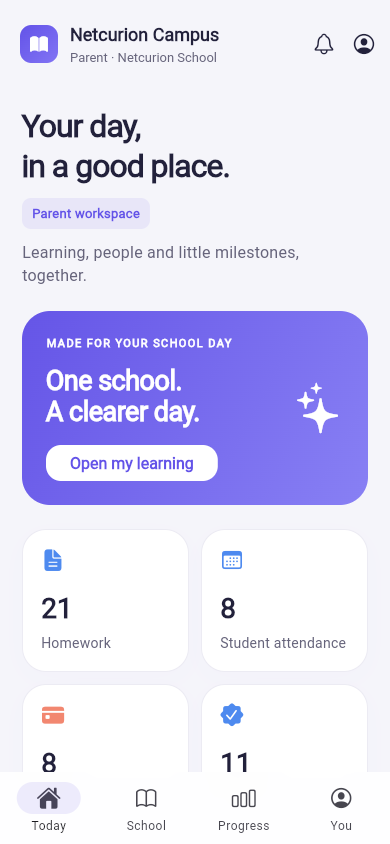
Student, parent, teacher, and school leadership mobile workspaces.
A native mobile client connected to the Campus school service.
The app and platform are being refined; screenshots use sample records.
Product experience
Open a screenshot to explore it at full size.
 View full size
 View full size
 View full size
A school day spans learning, attendance, family communication, fees, and office work. Each role needs a clear view of only the information and actions relevant to them.
Netcurion Campus connects the school platform with a native Flutter mobile app. Students see their own learning and records, parents see school-verified linked children, teachers work with assigned classes, and school leaders get an overview of permitted operations. The school service remains authoritative for permissions and records.
Inside the project
Students, parents, teachers and school leaders interact with the same school in different ways. Campus starts from that distinction: a student needs their learning and records, a parent needs the right linked-child view, and a teacher needs the classes assigned to them.
The documented scope connects learning, homework, attendance, progress, notices and permitted conversations. Role-specific workspaces organize these journeys so the mobile experience can begin with the work relevant to that person.
Inside the project
Campus combines a school platform with a native Flutter application. The mobile screens provide role-specific ways into school work; the school service remains authoritative for permissions and records.
That relationship matters for family and classroom context. A parent view follows school-verified child links, and a teacher workspace follows assigned classes. The interface communicates those boundaries instead of suggesting that every user has the same access.
Inside the project
Campus remains in development while the platform and app are refined. The portfolio includes a public website overview and native mobile examples for headmaster, student and parent workspaces.
Those screenshots use sample school information. They demonstrate the intended role-specific experience and the current product direction, without representing a live school's records or claiming learning and attendance improvements.
Tell us about your customers, teams, and the experience you want to improve.
Discuss your projectRelated work
A digital book catalogue needs to work comfortably on a phone: readers need to discover titles, find something relevant, and return to saved books without losing their place in the experience.
Hospitality OperationsHospitality work happens across properties rather than at a desk. Guests, hosts, employees, and administrators need a mobile entry point that supports their different journeys while connecting to the same operational services.
Plan your next step
Explore the decisions, trade-offs, and implementation questions connected to this work.
Compare Flutter, React Native, SwiftUI, and Jetpack Compose through product journeys, device needs, team ownership, accessibility, and release work.
Explore guidePlan the product, device, data, store, and support checks that make an Android or iOS launch reviewable before a build reaches users.
Explore guideOffline-first products need explicit local state, sync queues, conflict policy, security, and understandable user feedback—not simply cached screens.
Explore guideLet’s build the next useful thing
Tell us who the product is for, what you need, and your priorities. We’ll review your enquiry and help define a practical next step.
Need to share confidential details? You can request an NDA in the form.
info@netcuriontechnology.com+91 91313 32435