
In development
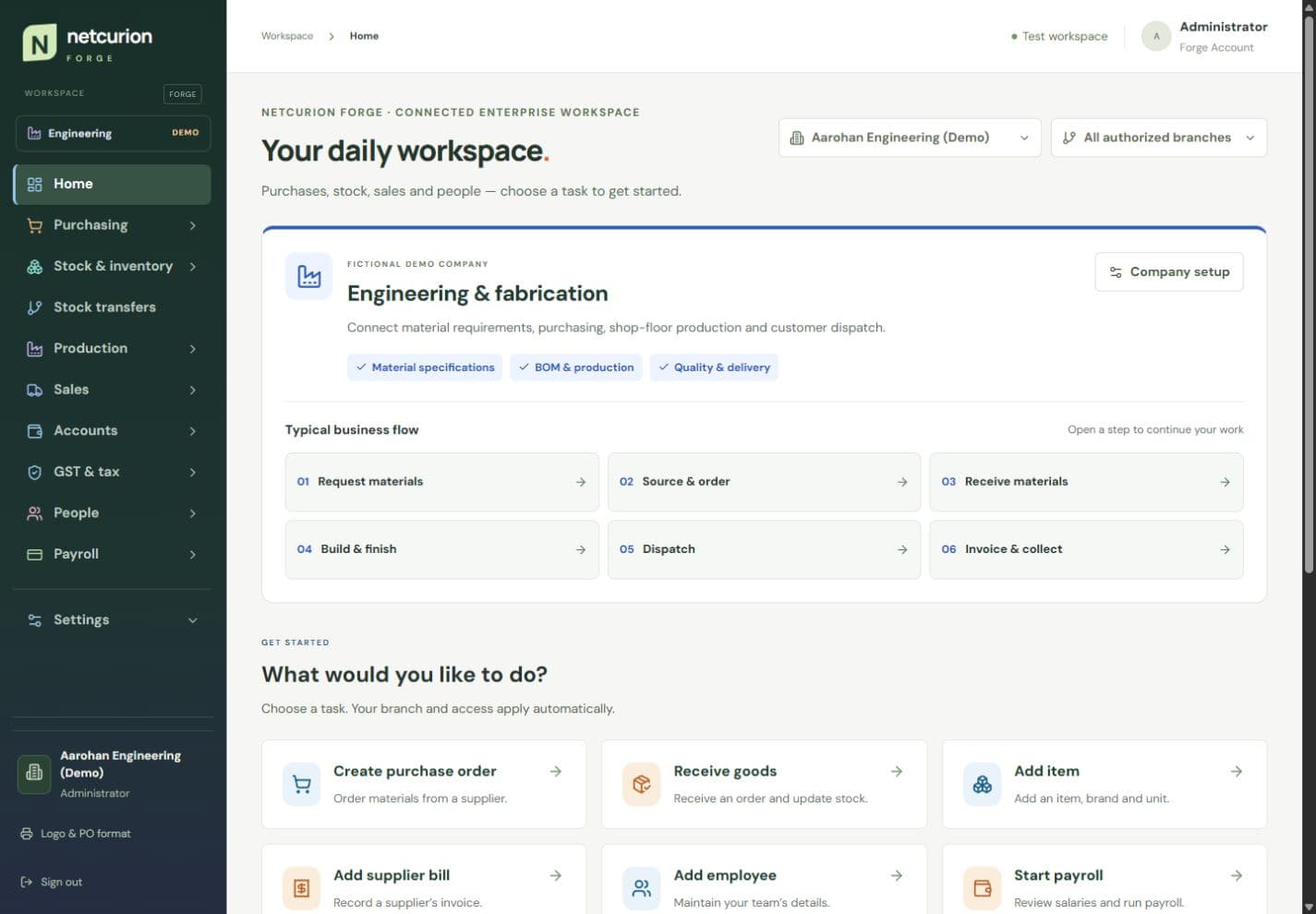
Netcurion Forge Industry ERP
An industry-focused ERP workspace connecting purchasing, stock, production, sales, reporting, and employee services through a clear custom interface.
Read the case studyERP Solutions
ERP solutions for growing businesses: connect purchasing, inventory, finance, HRMS, and project workflows with clear permissions, reliable records, and a practical rollout plan.
Product design · Engineering · Deployment · Handover
ERP solutions
Your business, in view.
Stock & purchasing
Know what is needed and available.
Finance & reporting
Keep records and decisions connected.
People & HRMS
Give teams a clear daily workspace.
Projects & delivery
See work, ownership, and progress.
Start with the right foundation
An ERP project starts with how work moves through your business. We map records, approvals, exceptions, and reporting, then decide what belongs in ERPNext configuration, a Frappe extension, an integration, or a purpose-built application.
A configurable business suite when established modules fit the core operation.
Custom forms, approvals, and business rules when the standard workflow needs to go further.
Purpose-built software when the business model justifies a distinct system and its maintenance costs.
Scope, made clear
Supplier records, purchase orders, invoicing, and approval flows mapped with your finance team.
Stock locations, receipts, transfers, reorder rules, and traceable movement records.
Employee records, attendance, leave, and payroll requirements with role-based access.
Connect tasks, materials, costs, and operational evidence to the project or customer they support.
Clean and reconcile source records; connect your storefront, mobile apps, or existing systems through agreed interfaces.
Useful dashboards, documented permissions, administrator training, and a support plan for the operating team.
From discovery to ownership
Review workflows, source data, users, existing systems, and the first rollout boundary.
Walk through a configured prototype using representative records before committing to extensions.
Implement workflows and integrations, rehearse migration, and test permissions and reporting.
Train users, agree acceptance criteria, release in stages, and transfer operating knowledge.
Relevant project work
In development
An industry-focused ERP workspace connecting purchasing, stock, production, sales, reporting, and employee services through a clear custom interface.
Read the case study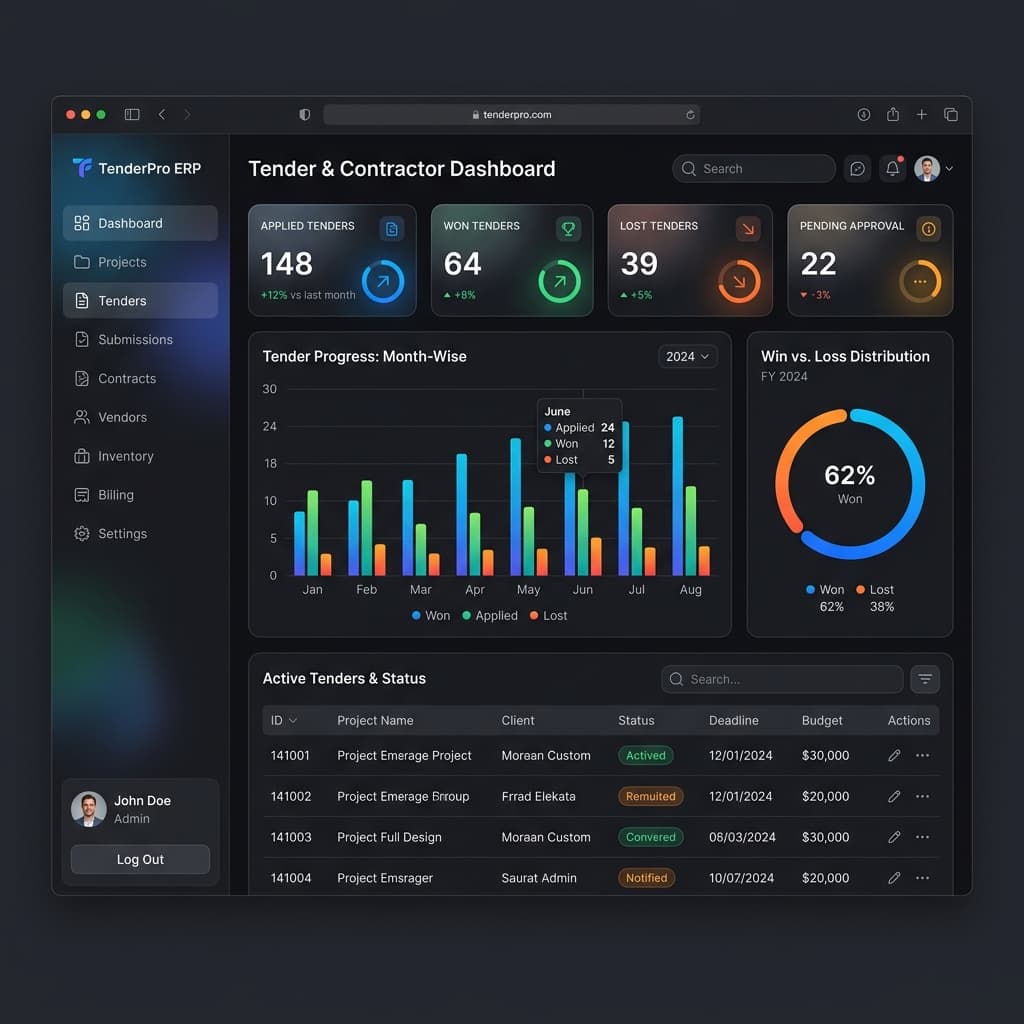
A construction ERP connecting tenders, contractor billing, inventory, and financial records across firms.
Read the case studyFind clear answers about the service, process, and ownership model.
We first compare your workflows with the standard modules. ERPNext is useful when configuration covers most requirements. Extensions address specific gaps; a custom build is considered when the core business model needs a different foundation. We explain the cost and ownership trade-offs before recommending a path.
Let’s build the next useful thing
Tell us who the product is for, what you need, and your priorities. We’ll review your enquiry and help define a practical next step.
Let’s make the next step useful
Share your current tools, modules, data sources, and rollout priorities. We’ll use that context to scope a practical starting point.
Start a conversation