
Progressive Web Apps: A Practical Mobile Strategy
Learn where an installable web experience can reduce delivery complexity—and where a native app remains the better choice.
Rohit Sharma
Engineering Strategy
Perspective
Practical engineering guidance
Depth
1 focused sections
Use it for
PWA benefits · progressive web app tutorial
The Web is the New App Store
For years, businesses felt they had to publish a native app to be taken seriously. Progressive Web Apps (PWAs) narrow some of that gap with installation, offline, and notification capabilities, but platform support still varies. For some products, a PWA is a practical alternative; for others, native capabilities remain essential.
What Makes an App "Progressive"?
A PWA is a website that uses modern web APIs to deliver an experience that feels like a native app. The key characteristics include:
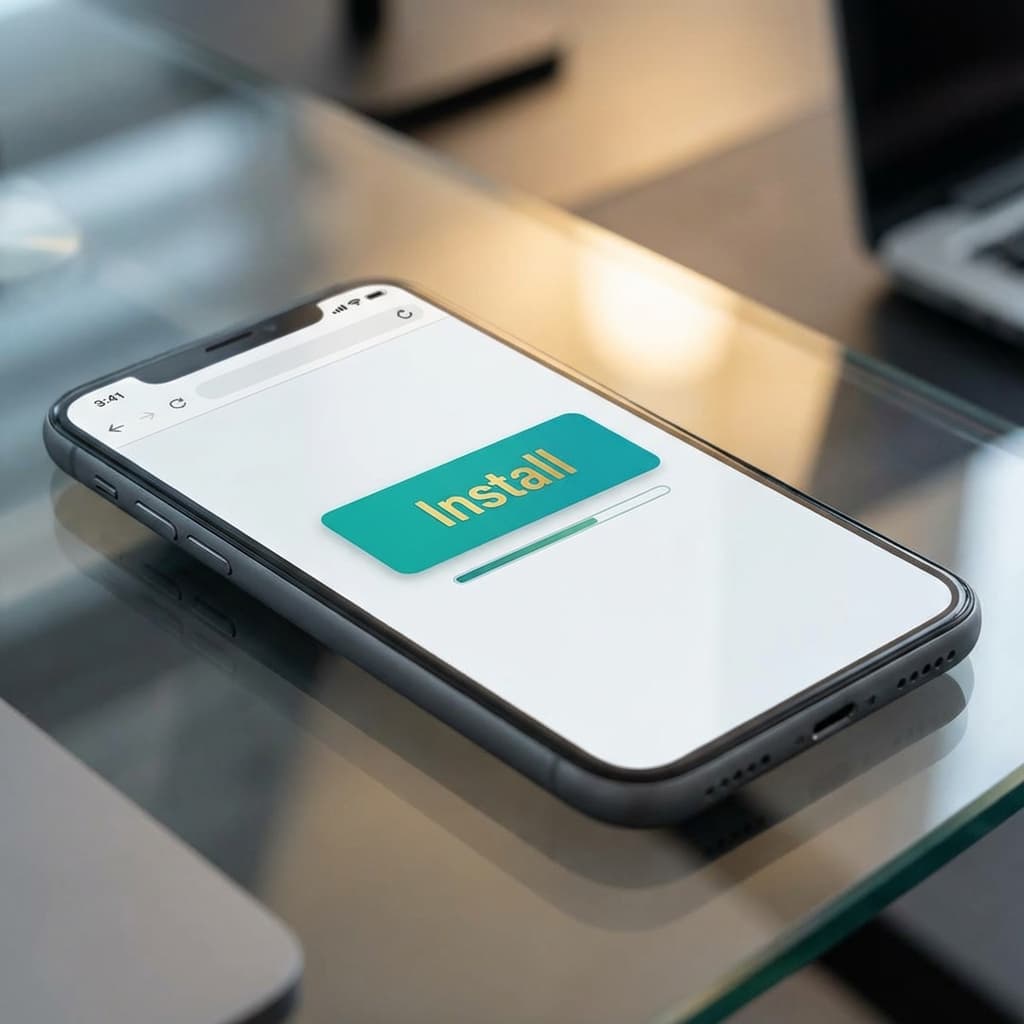
- Installability: Supported browsers can let users add the experience to a device.
- Offline capabilities: Service workers can cache selected application routes and data.
- Notifications: Supported platforms can enable web push with explicit user permission.
- Performance: A careful caching and loading strategy can improve repeat visits on constrained networks.
The Economic Advantage
A PWA can share the web product's code and distribution path. That may reduce duplicate implementation, although browser support, device integration, and product expectations still need testing.
- Direct web distribution: The experience does not require an app-store listing.
- Independent release path: Website changes can be deployed without app-store review, subject to caching and rollout controls.
- Broad reach: One URL can serve phones, tablets, and desktop browsers with responsive layouts.
SEO: The PWA Secret Weapon
Public, crawlable routes in a PWA can participate in search in a way that many authenticated native-app screens cannot. Indexing still depends on rendering, metadata, content quality, site architecture, and search-engine policies.
Best Practices for PWA Success
- Manifest.json: Ensure your icon and theme colors are correctly defined so the app looks premium when installed.
- Offline Fallback: Always provide a "You are offline" page or cached content so the app doesn't show a generic browser error.
- Performance First: Use Lighthouse alongside real-user monitoring and device testing; treat lab scores as diagnostic signals, not a universal acceptance threshold.
Conclusion
If the product does not depend on deep platform integration, a PWA deserves consideration. Compare it with native and cross-platform options using the actual hardware, offline, distribution, retention, and accessibility requirements.