
Engineering
June 15, 20263 min readA Practical Guide to Full-Stack Web Performance
Techniques for improving Core Web Vitals, reducing bundle cost, and validating performance on real devices.
Rohit Sharma
Engineering Strategy
Perspective
Practical engineering guidance
Depth
1 focused sections
Use it for
Rohit Sharma web performance · Lighthouse 100 score Next.js
Building a Faster Web Experience
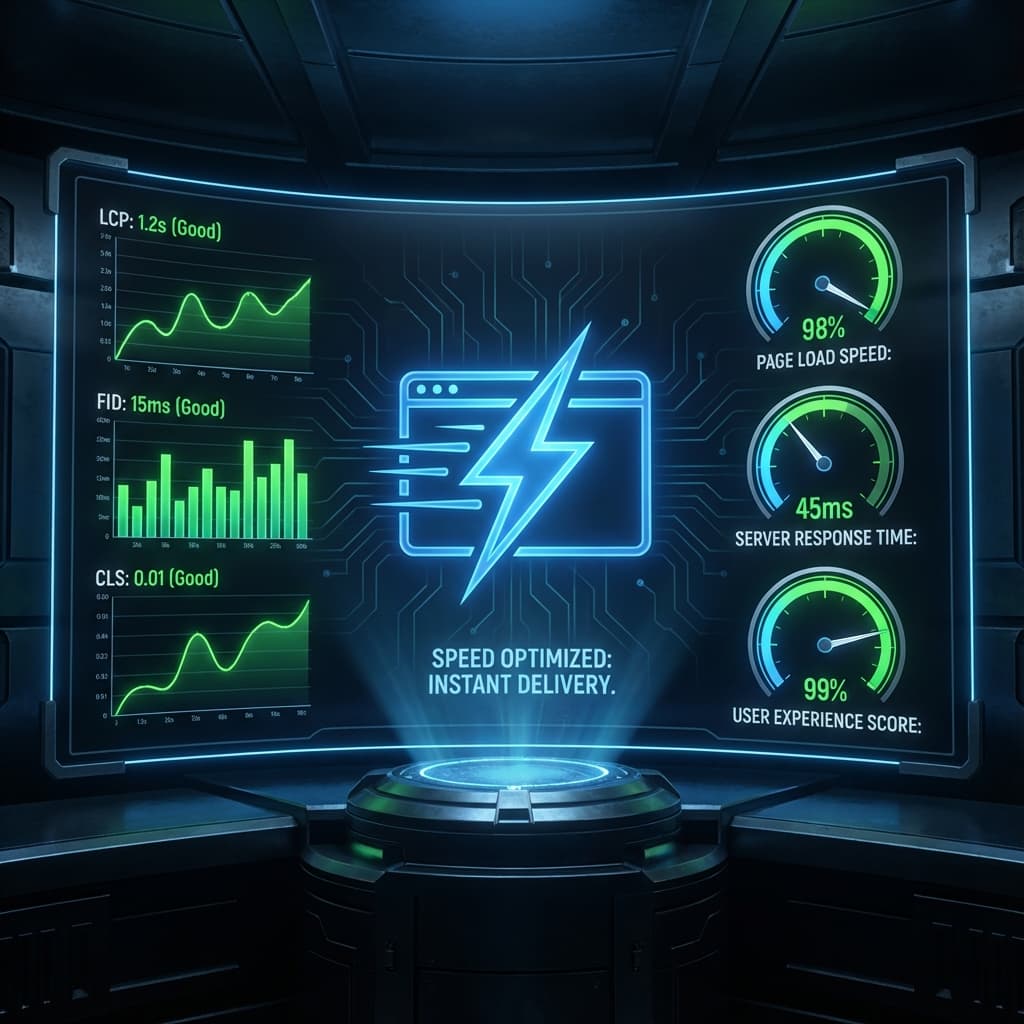
Page performance affects usability and can influence search visibility. The useful goal is not a perfect lab score at any cost; it is an experience that meets agreed Core Web Vitals and workflow targets on representative devices and networks.
1. Mastering Core Web Vitals
- Largest Contentful Paint (LCP): Give the real above-the-fold candidate an eager or high fetch priority, provide accurate responsive sizes, and serve an appropriately compressed format. Verify the result with field data rather than treating one aggressive lab threshold as universal.
- Interaction to Next Paint (INP < 200ms): Break up long JavaScript execution tasks. Offload non-critical analytics scripts using
next/scriptwithstrategy="lazyOnload". - Cumulative Layout Shift (CLS < 0.1): Always specify explicit
widthandheightdimensions for media elements and preserve container space for dynamic font loading.
2. Bundle Optimization & Dynamic Code Splitting
Heavy JavaScript bundles slow down mobile device parsing:
- Dynamic Imports: Lazy load heavy components (modals, charts, rich text editors) using
next/dynamic. - Tree-Shaking: Import specific utility functions rather than entire monolithic packages (e.g.
import lodash/debounceinstead ofimport _ from 'lodash').
3. Server-Side Optimization & Edge Delivery
- Gzip & Brotli Compression: Compress all JSON, CSS, and HTML assets on Nginx / Vercel edge nodes.
- HTTP/3 & Connection Reuse: Enable HTTP/3 QUIC protocol for multi-stream multiplexing.
Conclusion
Optimize from measurement: establish a baseline, find the dominant bottleneck, change one layer at a time, and verify the result with field data and representative device tests.
Topics in this article
Rohit Sharma web performanceLighthouse 100 score Next.jsCore Web Vitals optimizationRohit Sharma frontend expertsub-second web app loadingRohit Sharma software engineer